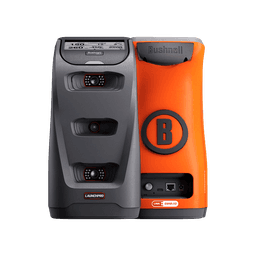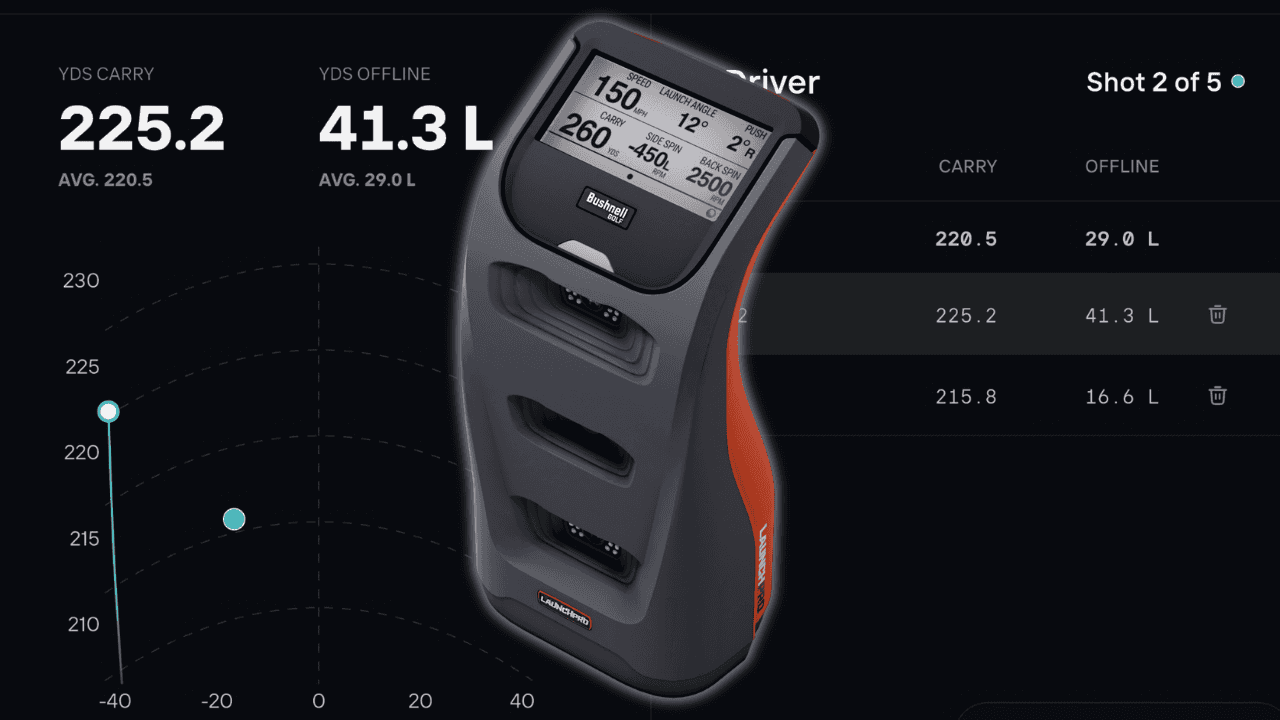
Bushnell Golf’s MyBag feature turns your Foresight Sports and Bushnell launch-monitor data into personalized carry distances, dispersion patterns and on-course club recommendations.
MyBag connects your launch-monitor practice with the Bushnell Golf app, helping you understand:
How far each club should carry in the day’s conditions
Where your typical shots are likely to finish
Which clubs may be best suited for the shot ahead
Personalized PlayAs distances and club recommendations through the Bushnell Pro X3
Before You Start: Check Your Launch Pro Subscription
Launch Pro features vary by subscription level, so check your plan before beginning.
Foresight currently offers a free no-subscription level along with Silver and Gold subscriptions. All three include Foresight app access and full ball data, while Silver and Gold add full club data, FSX PLAY, FSX Pro and other software features. Gold also supports multiple third-party simulation integrations sold separately.
Review Foresight Sports’ full breakdown of what is included with each Launch Pro subscription and confirm that your account has the features you plan to use.
Step 1: Collect Your Club Data
Download the Foresight Mobile App and create an account to complete a MyBag Assessment.
Connect your Foresight Launch Monitor or Bushnell Launch Pro to the Foresight App and open up the 'MyBag' tab. Here you will find a button for the 'MyBag Assessment'. Launch the Assessment and follow the prompts!
My Results
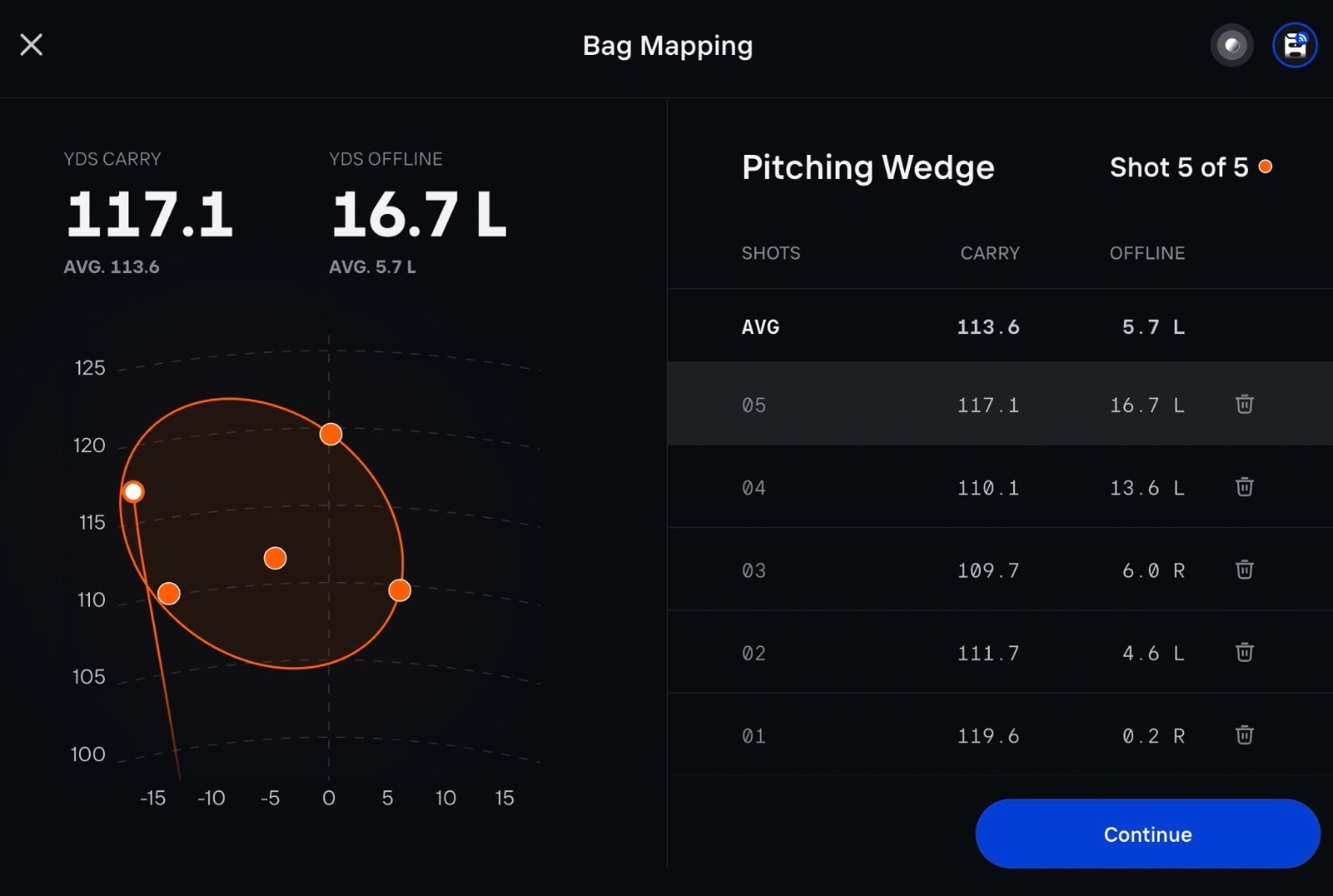
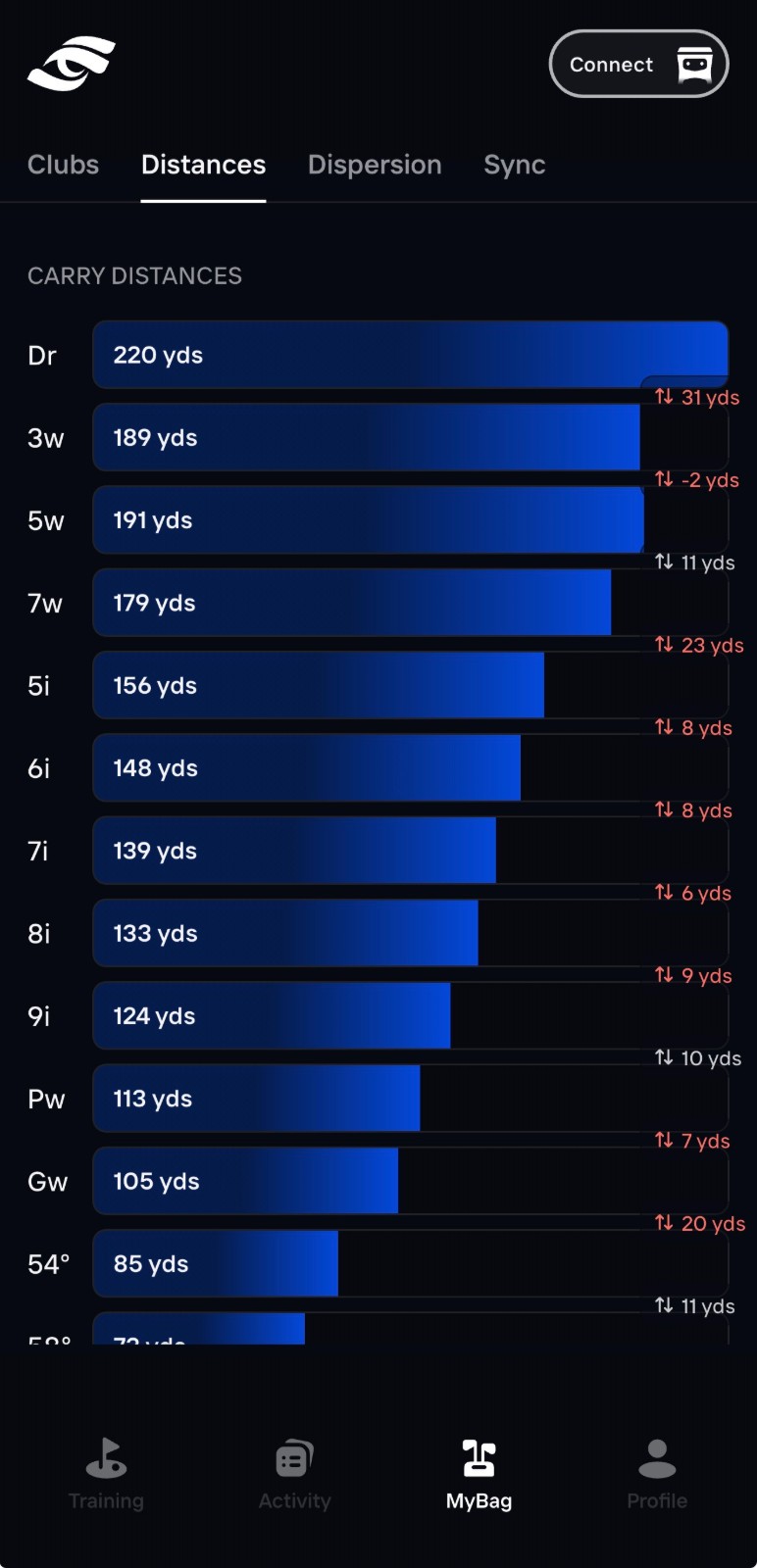
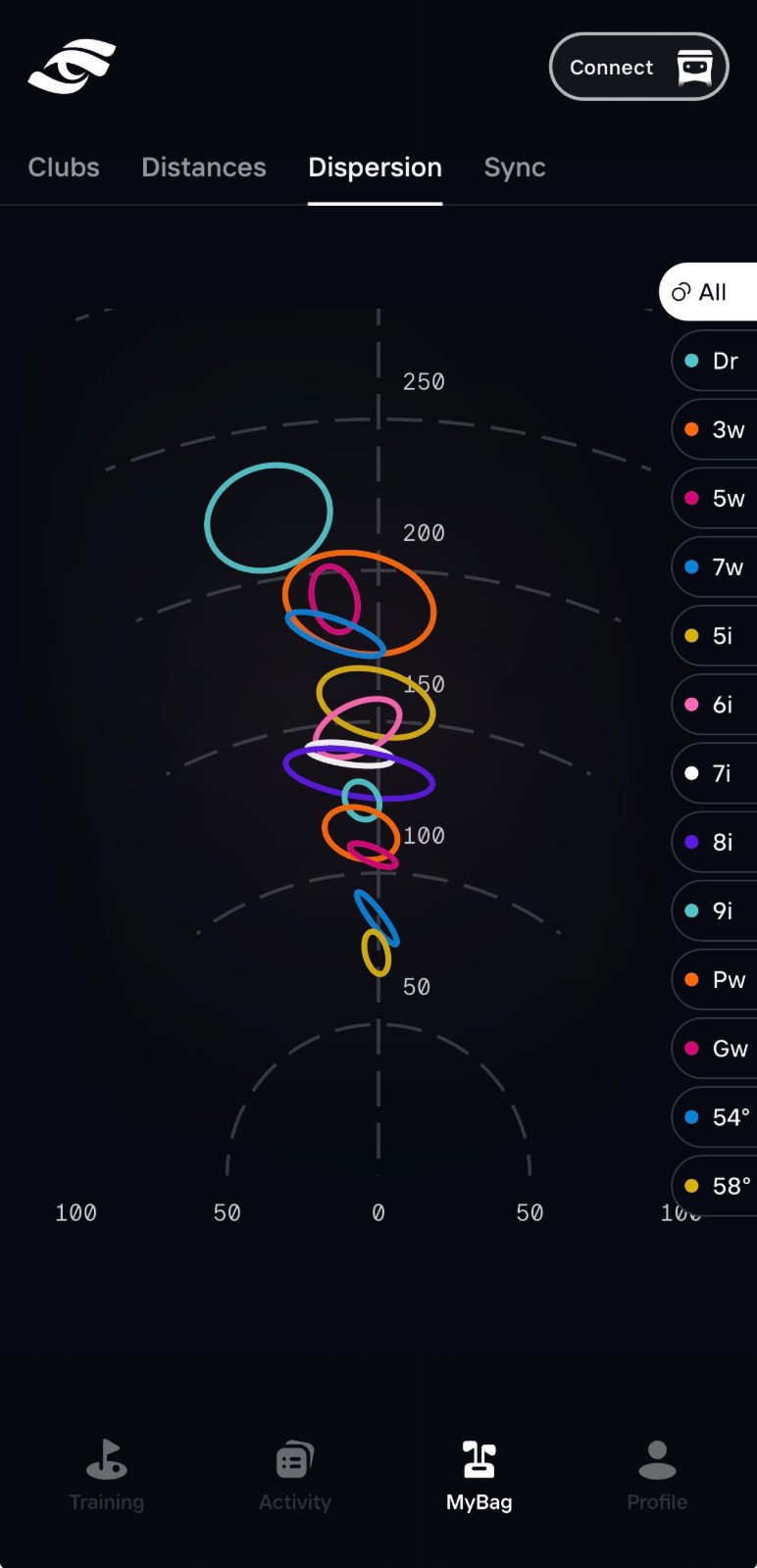
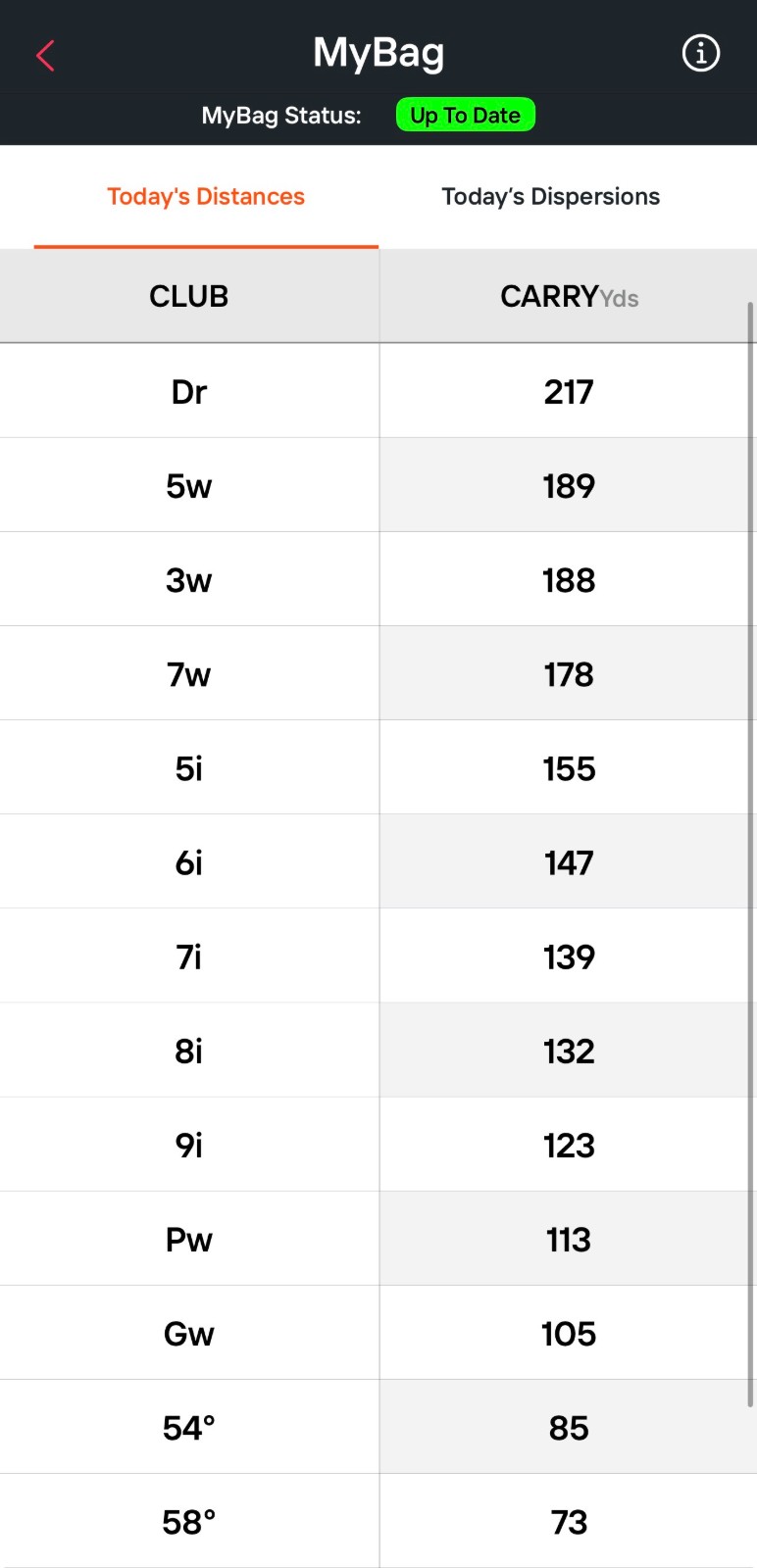
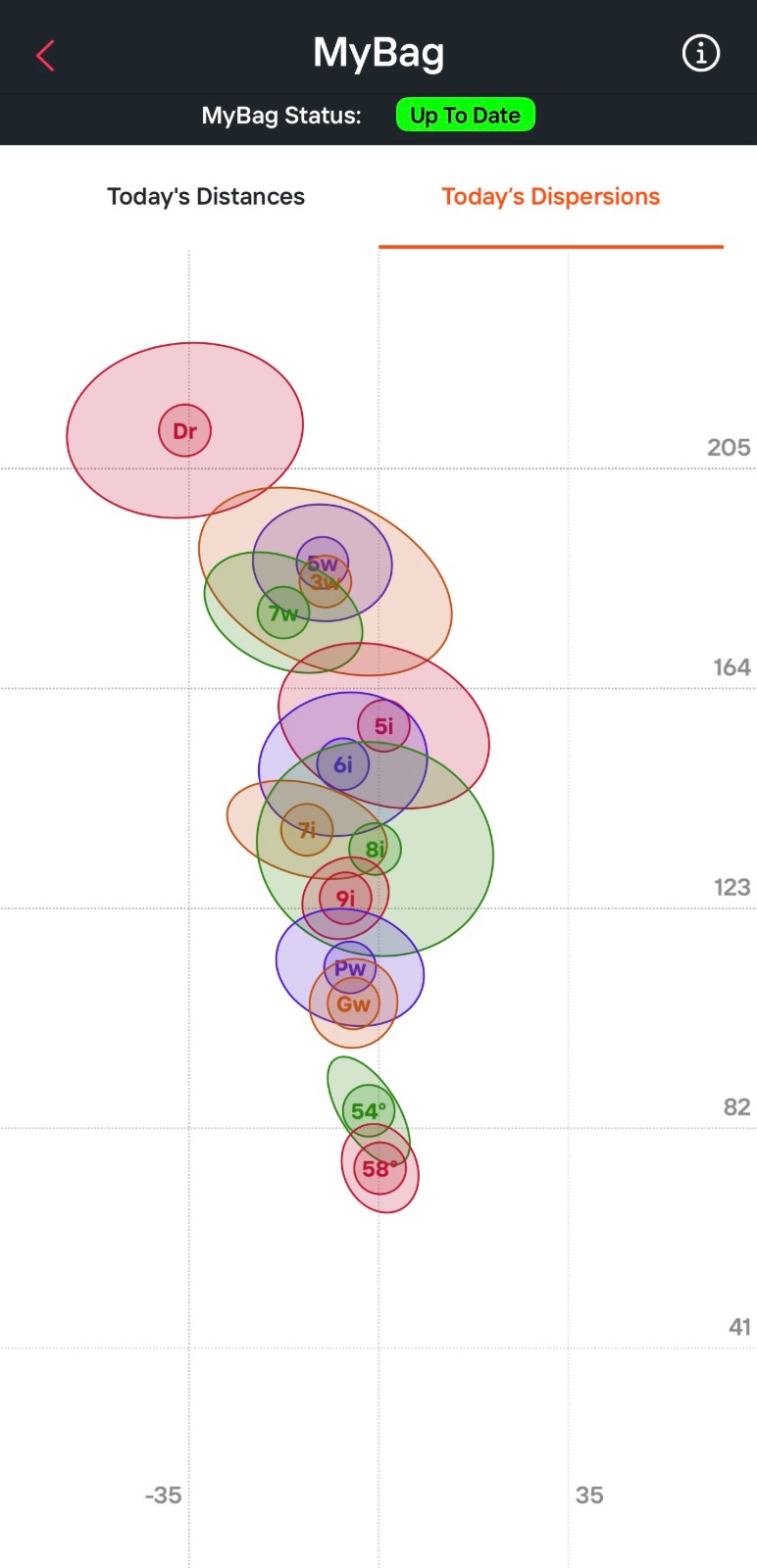
Here are a few screenshots from my experience of this process. This waas very helpful for understanding my exact distances, the dispersion with each club, and especially the gapping between them.
After reviewing the results, I really don't think I need a 3 wood in my bag unless I plan to reserve it for an 'off the tee club' since my distances with my 3 wood and 5 wood were basically the same. I would be better off taking the 3 wood out of play and finding a 165 club to fill in the gap between my 5 iron and 7 wood.
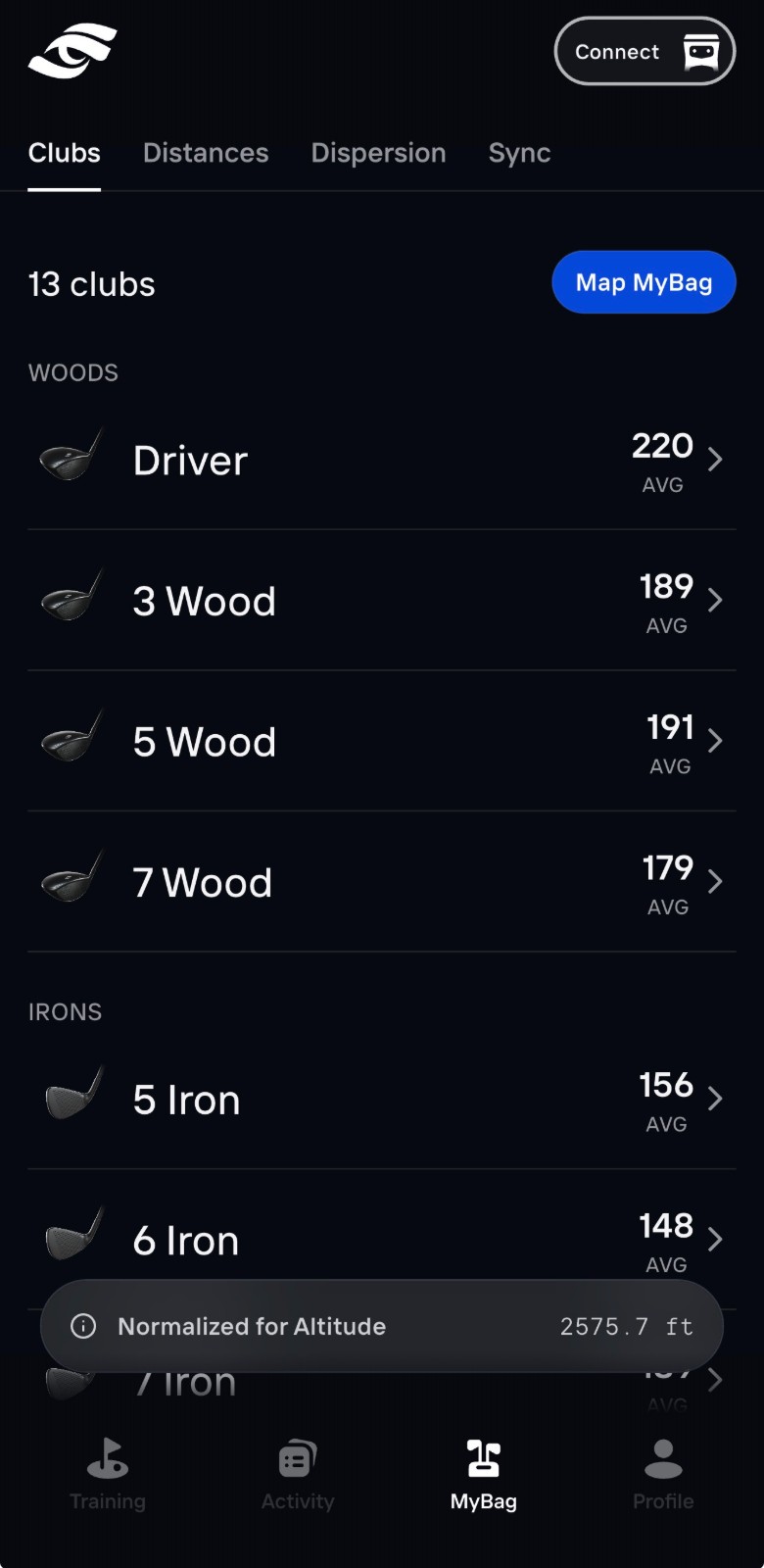
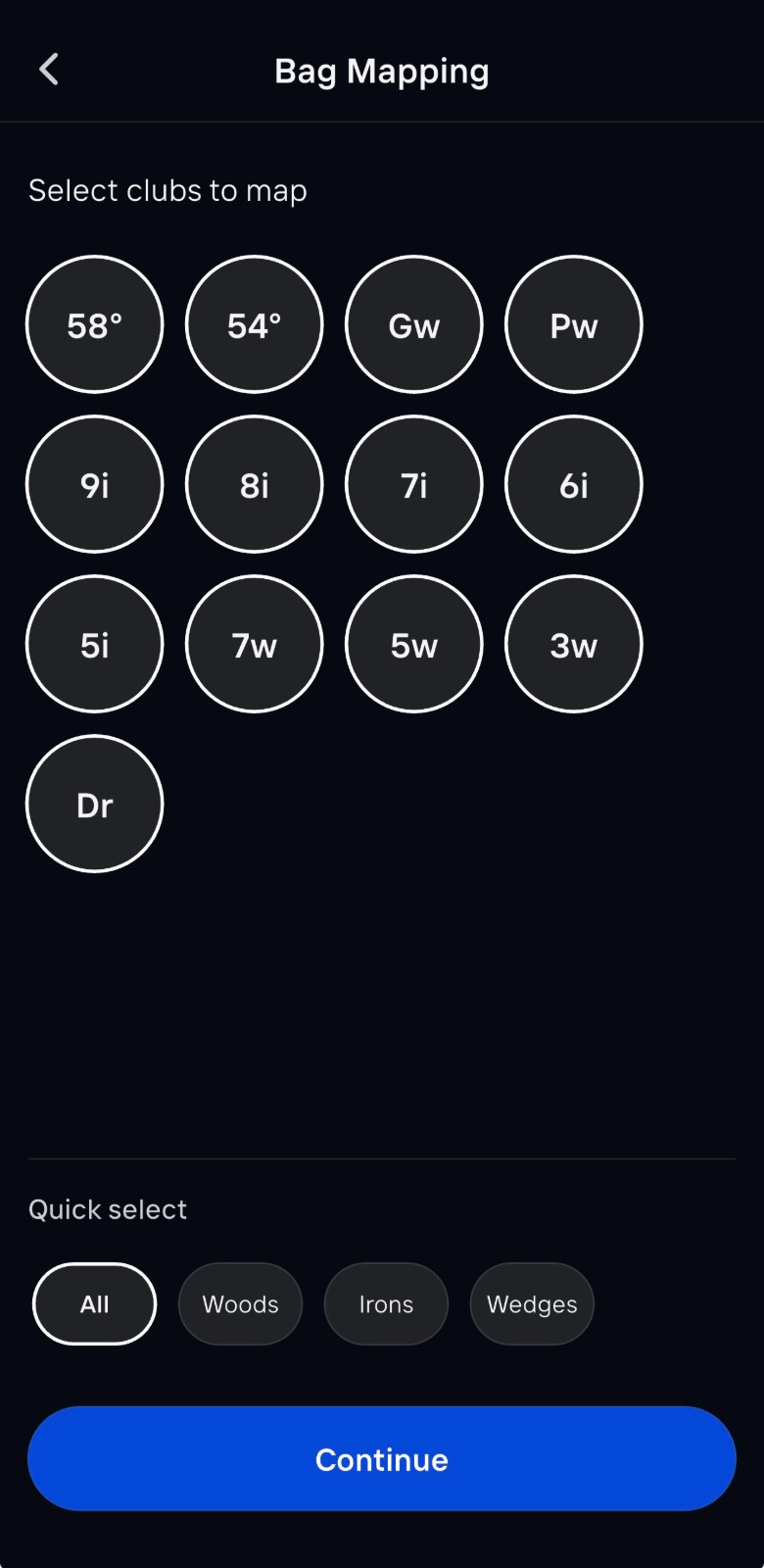
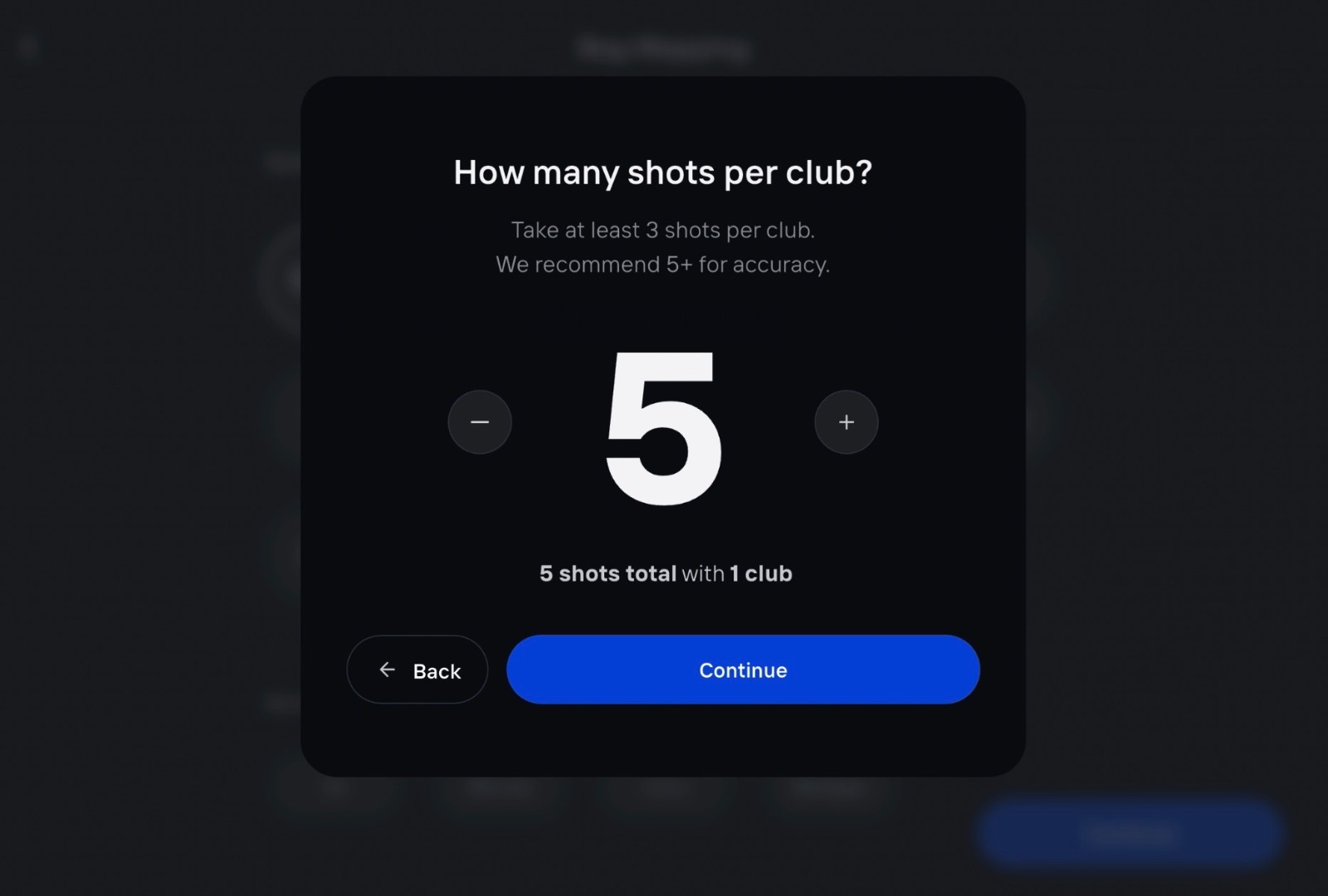
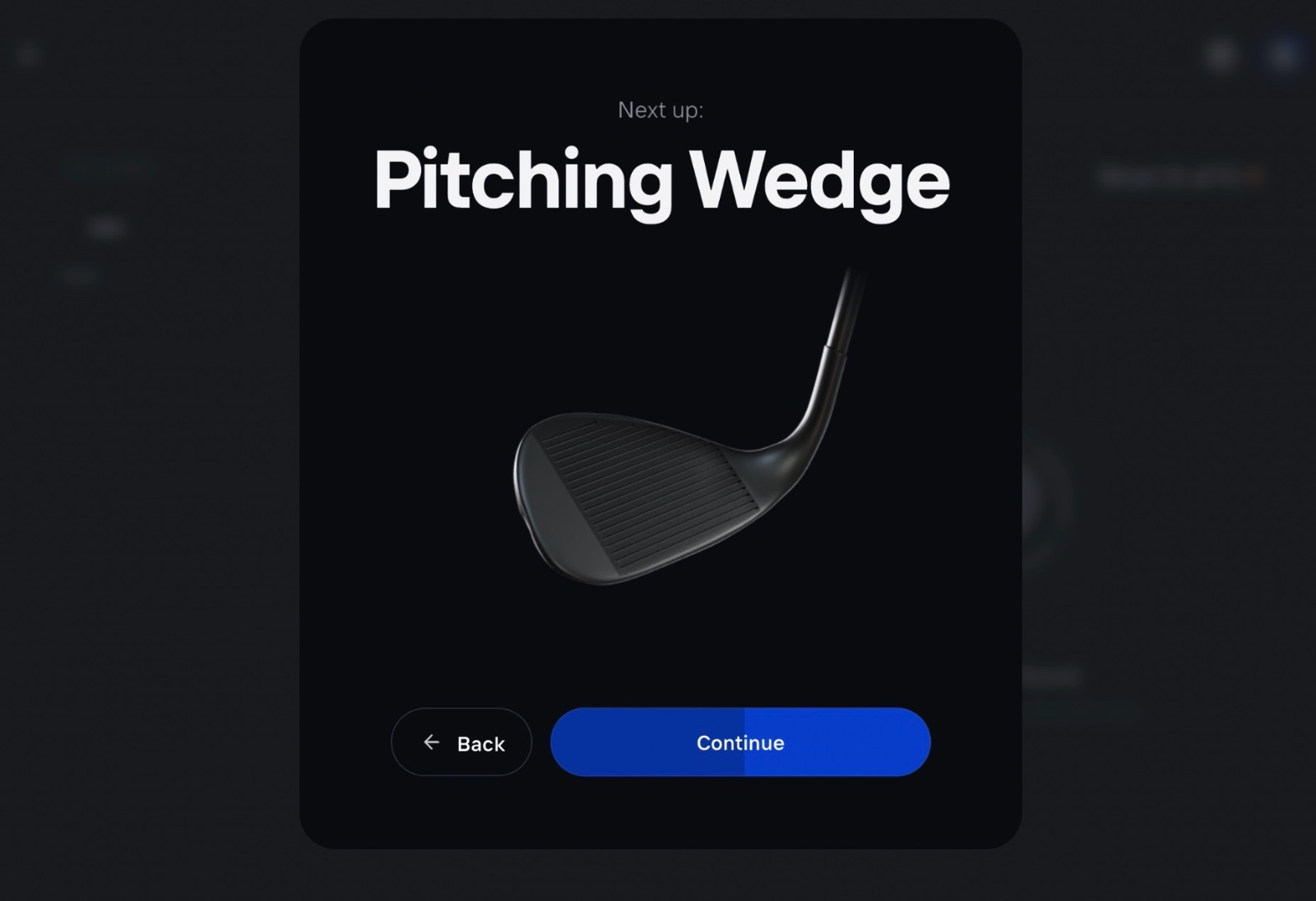
Another thing to note: you can delete errant shots! I deleted shots that didn't feel representative of how I hit that club, i.e., chunked and thinned shots. This is helpful for consistent data, especially when you are hitting 60-70 shots on the range through your bag.
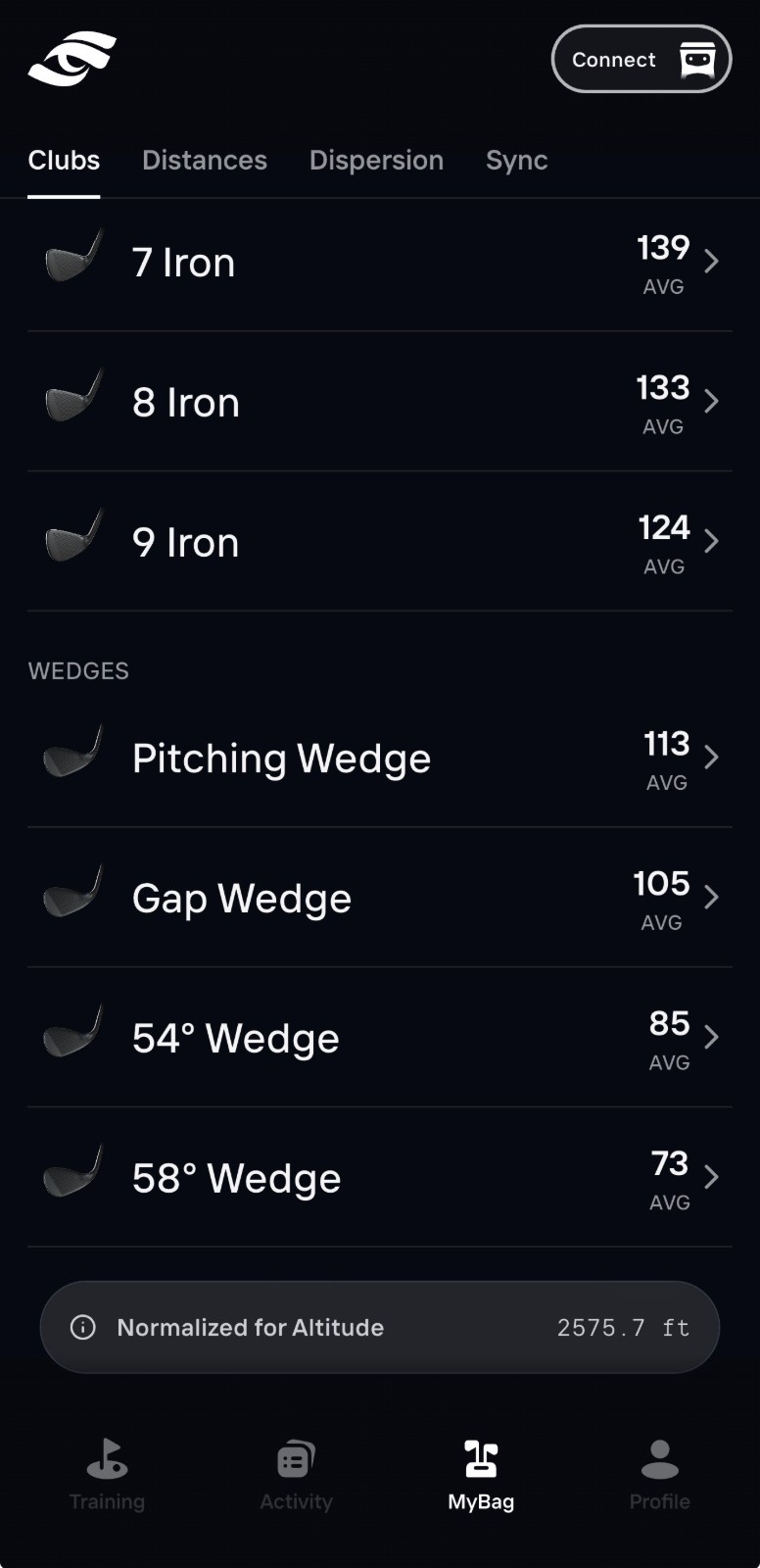
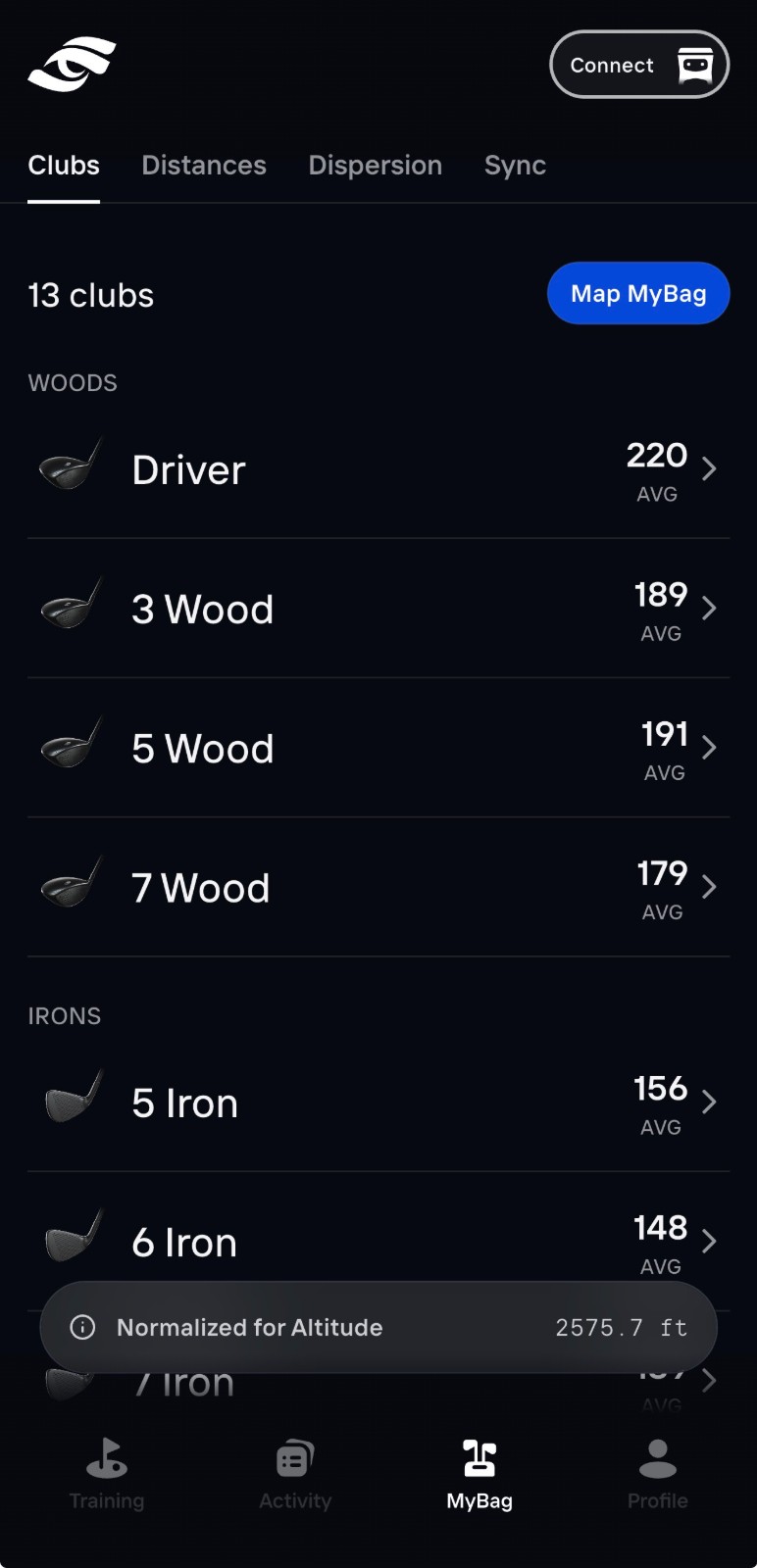
This might be my favorite page of the entire process. The gapping numbers on the right side make the difference between each of my clubs very clear, and I know what I need to fill in my bag now.
Step 2: Connect Your Foresight Data
Sync your Foresight Sports information with the Bushnell Golf app and open MyBag.
Confirm that every club is labeled correctly and that the list matches your current setup. Update it whenever you replace a club, adjust lofts or make another meaningful equipment change.
Step 3: Check Your MyBag Status
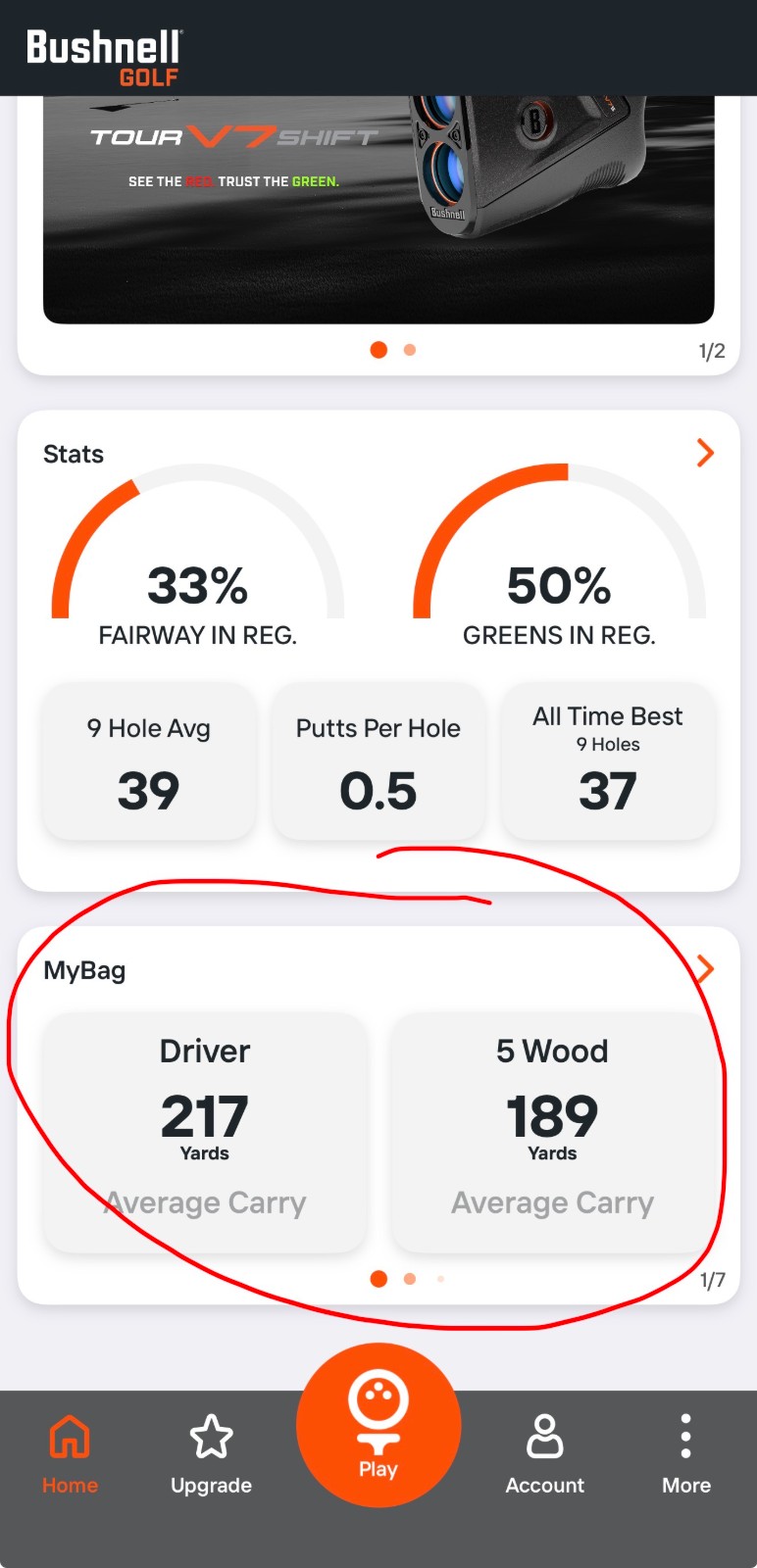
The top of the MyBag screen shows whether your information is current.
When it reads “Up To Date,” your latest club data is ready to use. Check this status after collecting new launch-monitor data and before heading to the course.
Step 4: Review Today’s Distances
Today’s Distances displays a compensated average carry yardage for each club based on your Foresight data and current conditions.
The MyBag introduction notes that every 10-degree temperature change can affect club distance by approximately two yards. This feature helps account for those differences rather than relying on one static yardage chart.
Step 5: Compare Today’s Dispersions
Today’s Dispersions shows the expected landing pattern for each club.
Those patterns can appear within the Bushnell Golf app’s hole view, helping you compare your likely results with bunkers, penalty areas and green complexes.
A club may have enough distance to reach the target, but its dispersion could bring more trouble into play. MyBag helps you evaluate the entire shot—not just the yardage.
Step 6: Use Personalized PlayAs With the Pro X3 or Other LINK enables Bushnell Range Finders
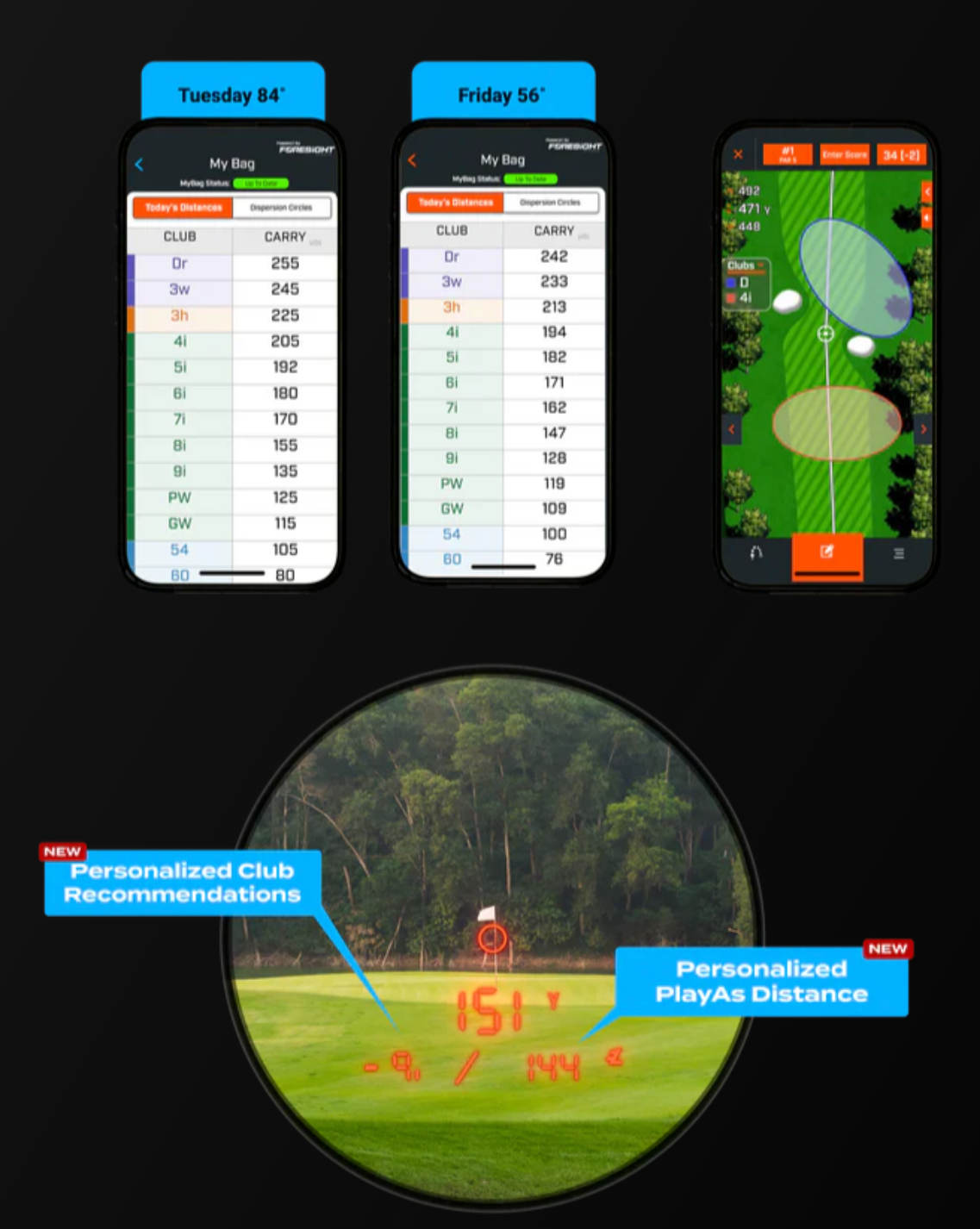
Golfers using a Bushnell Pro X3 can receive personalized PlayAs distances based on their Foresight Sports data.
MyBag adjusts the shot for current conditions and connects that number with your own club yardages. That makes the PlayAs information more specific to how far you actually hit the ball.
Step 7: Evaluate the Club Recommendations
MyBag can also deliver personalized club recommendations through the Pro X3.
The rangefinder may suggest options on either side of the target yardage. Use those recommendations alongside the pin position, hazards, wind, lie and your typical miss before making the final choice.
Step 8: Keep Your Data Current
Refresh your MyBag information whenever your equipment or normal carry distances change.
Because its recommendations begin with your Foresight Sports data, accurate and current numbers will produce the most useful on-course guidance.
The Bottom Line
MyBag creates a practical connection between launch-monitor practice and on-course decision-making.
Your Foresight Sports data establishes how each club performs. The Bushnell Golf app then turns that information into condition-adjusted carry distances and dispersion patterns. Pro X3 users can take the system a step further with personalized PlayAs numbers and club recommendations.
You still have to execute the shot, but MyBag can help ensure the decision behind it is based on your game—not a generic yardage chart.