A launch monitor can provide more information than most golfers know what to do with. Ball speed, spin, launch angle and carry distance are all valuable, but collecting numbers alone does not guarantee a productive practice session.
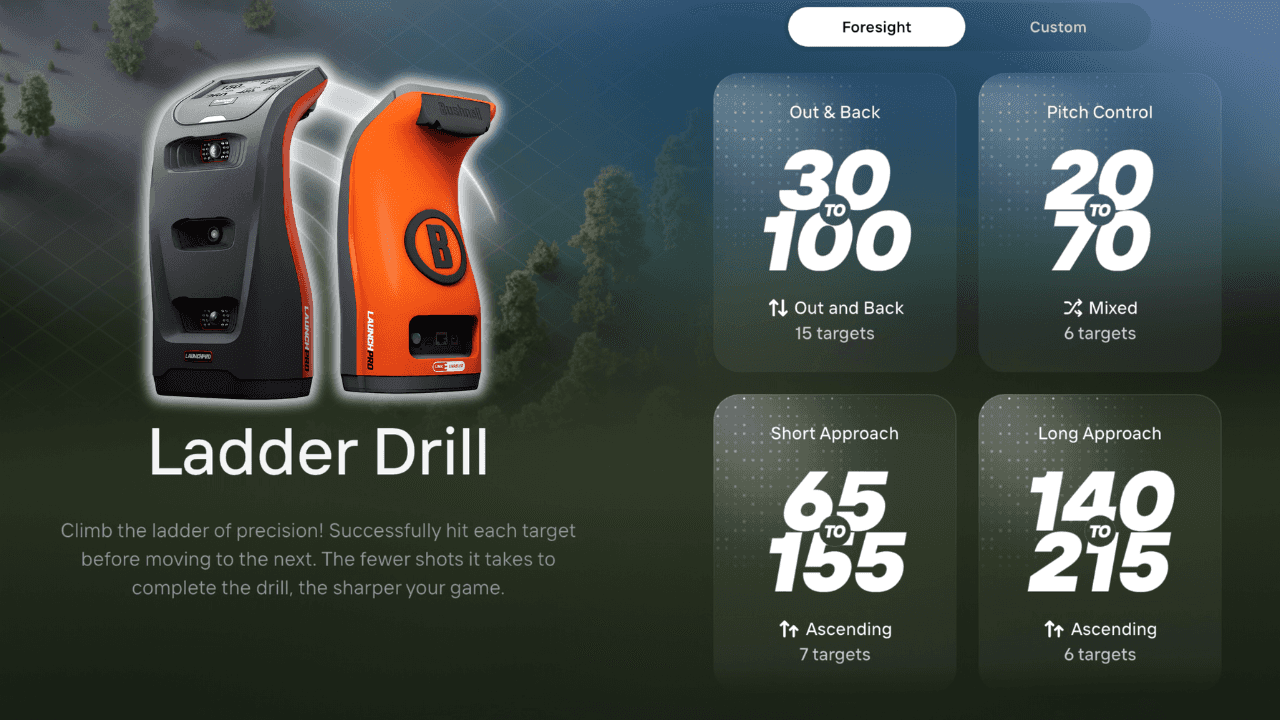
The Foresight App’s Training Facility and Drill Library help turn that data into a more structured experience. In the video above, I walk through one of the library’s most useful options: the Ladder Drill, a gamified challenge built around controlling carry distance.
Turning Launch-Monitor Data Into a Practice Plan
The Foresight App connects with compatible Foresight Sports and Bushnell Golf launch monitors to provide real-time shot data, dispersion patterns, shot tracers and customizable performance views.
Golfers can use Quick Range to warm up and review their numbers before moving into the Drill Library, where practice becomes more intentional. Target Practice focuses on overall accuracy and dispersion, while the Ladder Drill tests whether a golfer can produce specific carry yardages on command.
Instead of repeatedly hitting the same club toward a general target, each shot comes with a defined objective and a measurable result.
How the Ladder Drill Works
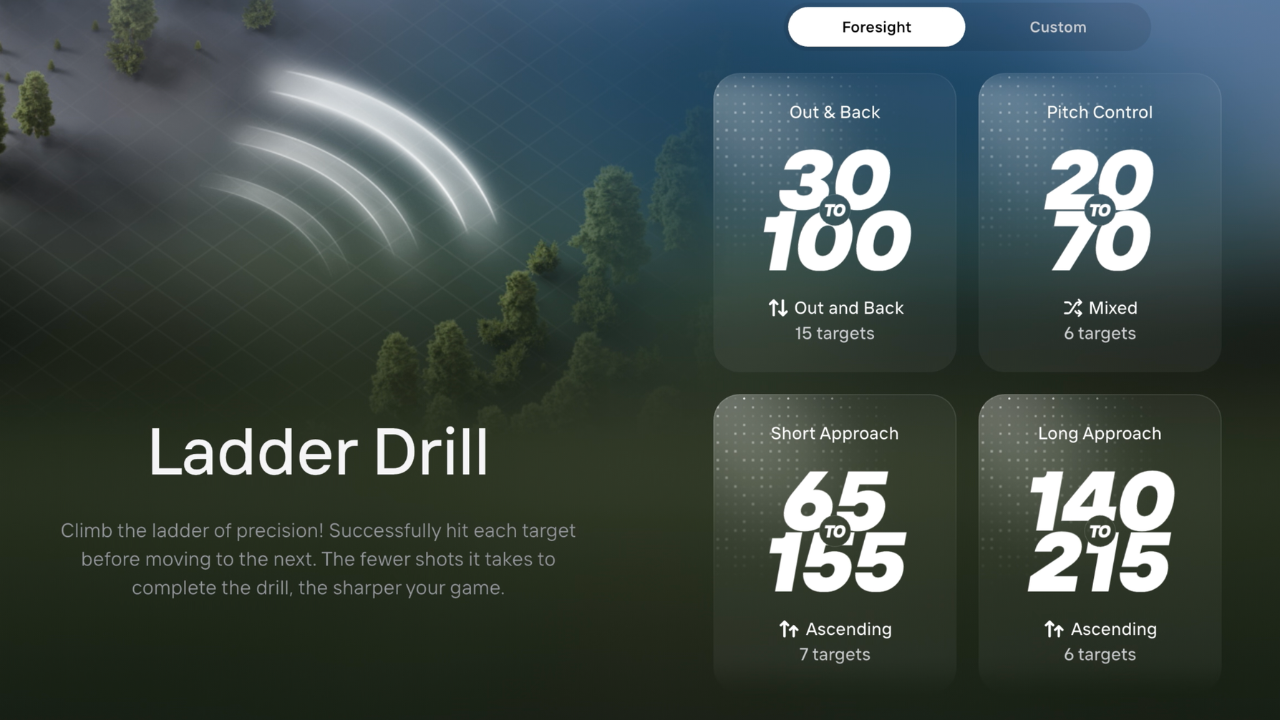
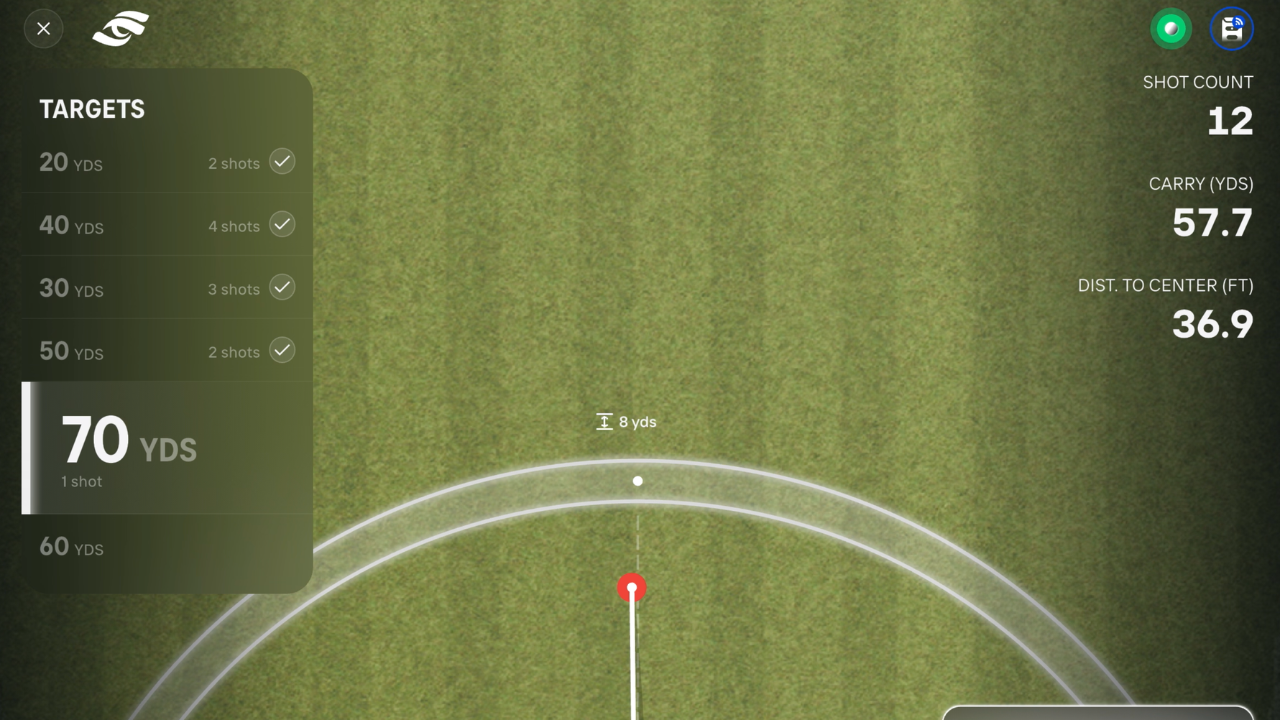
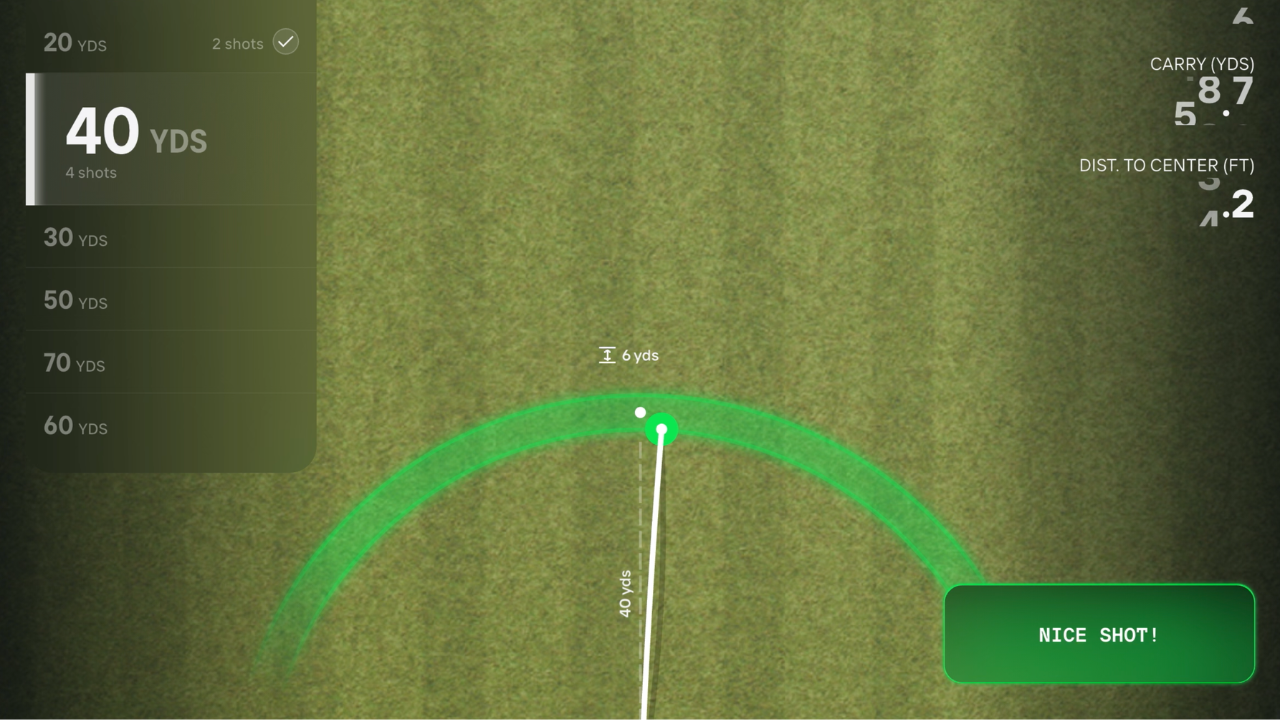
The concept is simple: golfers progress through a series of carry-distance targets, moving from one yardage to the next like rungs on a ladder.
A player might begin with a short wedge shot before working through progressively longer distances. Each ball must carry into the designated window to count as a successful attempt.
Depending on the requested yardage, the golfer may need to change clubs, adjust swing length or alter trajectory. That variability makes the drill more representative of golf on the course, where players rarely hit the same shot several times in a row.
The format is especially useful for wedge practice. Rather than simply hitting full swings, golfers can develop reliable numbers for partial, three-quarter and flighted shots.
Why Carry Distance Matters
The Ladder Drill measures carry distance rather than total distance. That distinction is important because bounce and roll can change significantly depending on turf firmness, slope and course conditions.
Carry distance provides a clearer measurement of how far the ball actually traveled through the air. That information is especially valuable when a shot must clear a bunker, penalty area, false front or other obstacle.
For example, a ball that carries 80 yards and rolls to 88 is not the same as one that carries 88 yards and stops quickly. By working through multiple carry targets, golfers can connect different swing feels with the yardages those swings produce.
Audio Feedback Keeps You Focused
The app’s audio feedback helps the session move without requiring the golfer to check a phone or tablet after every swing.
After each shot, the app provides immediate feedback on the result and whether the target was reached. Golfers can remain focused on the next assignment rather than getting distracted by every individual data point on the screen.
The process creates a productive rhythm: choose the shot, execute it, hear the result and prepare for the next target.
Difficulty Settings Increase the Challenge
The Ladder Drill offers multiple difficulty settings that change the acceptable carry window.
A more forgiving setting provides a good starting point for golfers learning their distances. Higher difficulty levels tighten the target window and require greater precision, making the drill useful for both developing players and competitive amateurs.
Pressure Mode can raise the stakes further. When it is activated, missing a target may send the golfer back down the ladder rather than allowing the session to continue without consequence.
That added pressure emphasizes first-ball execution. Finding the correct yardage after several attempts can still be useful, but on the course, golfers normally get only one opportunity to hit the required shot.
Reviewing the Results
Once the drill is complete, golfers can review the session to evaluate their overall performance, success rate and common miss patterns.
The final score is only part of the value. Pay attention to how the targets were missed.
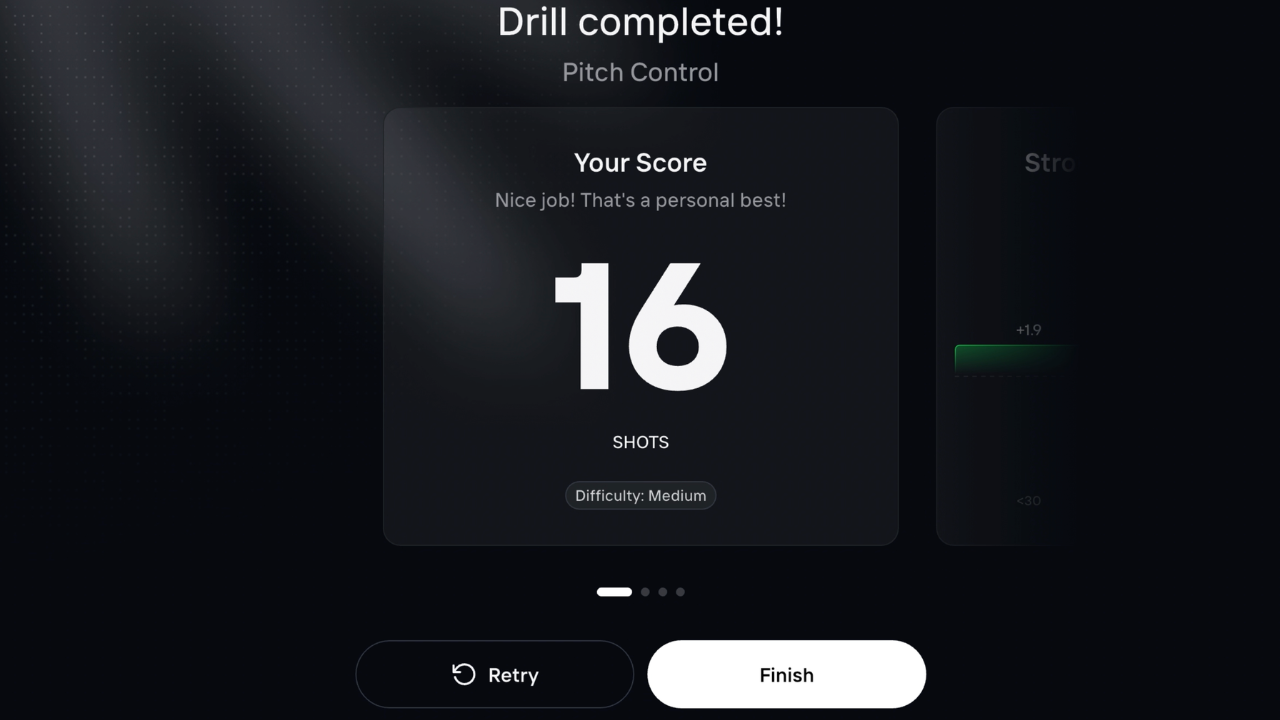
Repeatedly coming up short may indicate that a selected swing does not produce enough speed. Consistently flying the target could suggest that the golfer needs a shorter motion or a different club. Directional misses may also reveal that solid distance control is being undermined by poor dispersion.
Repeating the same ladder with the same difficulty setting creates a simple benchmark for tracking improvement over time.
Building a Productive Ladder Drill Session
Begin with several shots in Quick Range to warm up, confirm that the launch monitor is aligned and see how the ball is carrying that day.
Next, choose a yardage range that addresses a specific part of your game. That could mean shorter scoring shots with wedges or a longer ladder designed to improve distance control with irons.
Start with a manageable difficulty setting while learning the format. Once the target windows become comfortable, increase the difficulty or turn on Pressure Mode.
After completing the drill, review the results before immediately starting another session. Look for a specific pattern that can guide the next round of practice.
Getting More From Your Launch Monitor
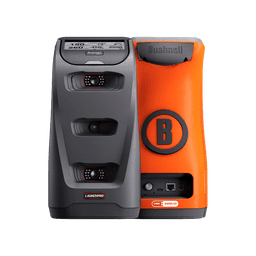
The Foresight App is available for iOS and Android and supports several Foresight Sports and Bushnell Golf launch monitors, including the Bushnell Launch Pro and GC3.
The Ladder Drill does not replace coaching, technical swing work or on-course practice. What it does well is give every shot a clear purpose.
Instead of using a launch monitor as a screen that simply displays numbers, the Drill Library turns it into an interactive training tool. With specific carry targets, real-time audio feedback, adjustable difficulty and measurable results, the Ladder Drill makes practice more intentional, challenging and engaging.